
The shop access settings control whether a patient is required to sign in to view pricing, add to cart, and check out. You can also edit whether or not patients can check out as a guest.
How To Update Shop Access Settings
1. Click on the provider profile.

2. Click Account Settings.

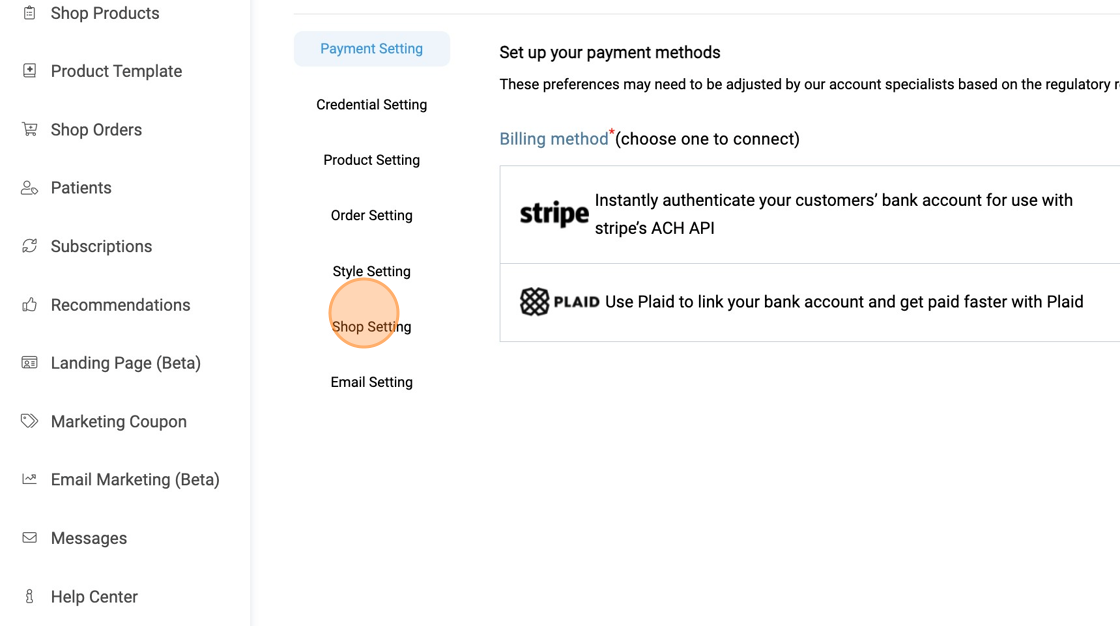
3. Click "Shop Setting"
4. Click here to toggle on/off auto-approve.
We recommend turning this setting on because it allows visitors to shop without creating an account.
Users can create new accounts without your approval if this setting is on.

If this setting is off, the users must request to create an account. New patient requests will appear in the Patients > Pending patients. The provider will need to manually approve every pending patient before they can sign in and order from the shop.
5. Click "Confirm" to save changes

6. Click here to toggle on/off guest checkout

7. Click Confirm to save changes

For more assistance, please contact support through Live Chat or email support@vibrant-america.com.